

Did you know you can modify your NIN name, date of birth, mobile number, house address, email address, etc., on the NIMC Self-Service App?
Have you been finding it difficult to update the details on your NIN?
Do you know you can do anything with the NIMC Self-Service App using your mobile phone? From new NIN registration to updating your NIN details. Yes, it is that simple.
Well, all these and many questions have been answered, all you need do is follow the simple steps below, and your problem is solved.
Two days ago, the National Identity Management Commission, NIMC, unveiled a Self-Service App for Nigerians to update the details on their National Identity Number, NIN database.
Before now, the process of updating your details used to the cumbersome – from locating a NIMC office to going to the bank to make payment and queuing to be captured – coupled with network failures. However, that is long gone as you can now do that with the snap of your hand.
Before the launch of the self-help platform a few weeks ago, Engr. Abisoye Coker-Odusote, Director-General of NIMC, said the platform will enable Nigerians to register themselves from the comfort of their homes without the stress of going to the NIMC office or any agent.
“On the NIN registration so far, about 104 million people have been registered which is very good progress that NIMC has made and we have people registering every day across the country and also from the Diaspora.
“So, we are trying to make sure things are done from the comfort of your own with ease to ensure that we remove the bottlenecks of long queues and also to eliminate extortions. We need to ensure that it’s a seamless process for people to get their NINs,” she said.
Simple steps to register or update/modify your NIN using the NIMC Self-Service App
- Kindly log on to: https://selfservicemodification.nimc.gov.ng
- Click on Register if you don’t have an account
- Click on login if you already have an account
- After login in, you will be requested to provide your NIN, last name and email address
- A one-time password, OTP will be sent to your registered phone number and email
- After providing the above, the data modification channel will be accessible
- You can now update/modify your NIN details with ease
How to update your NIN Date of Birth using the NIMC Self-Service App
- Log onto https://selfservicemodification.nimc.gov.ng
- Begin by verifying your NIN and logging in
- Navigate to your dashboard and select the date of birth modification option
- Complete the payment for the modification securely via Paystack – you can use your ATM card as well
- After payment, input your NPC certificate number and validate it (Your date of birth will be automatically filled and non-editable. If you’ve misplaced your birth certificate, perform the birth attestation online at https://nationalpopulation.org.ng)
- Upload your NPC certificate along with any required supporting documents
- Submit your modification request and preview the adjustments
- Ensure to check the attestation box before submitting your request
- Receive your modification transaction slip promptly on the modification table.
- Upon approval, receive a notification, and your NIN slip will be dispatched to your email – you also have the option to print the slip directly from your dashboard
Kindly note that the OTP is also sent to the email you provided during the sign-up. Kindly check your email for the OTP and carry out your modification.
How to resolve NIN verification failed
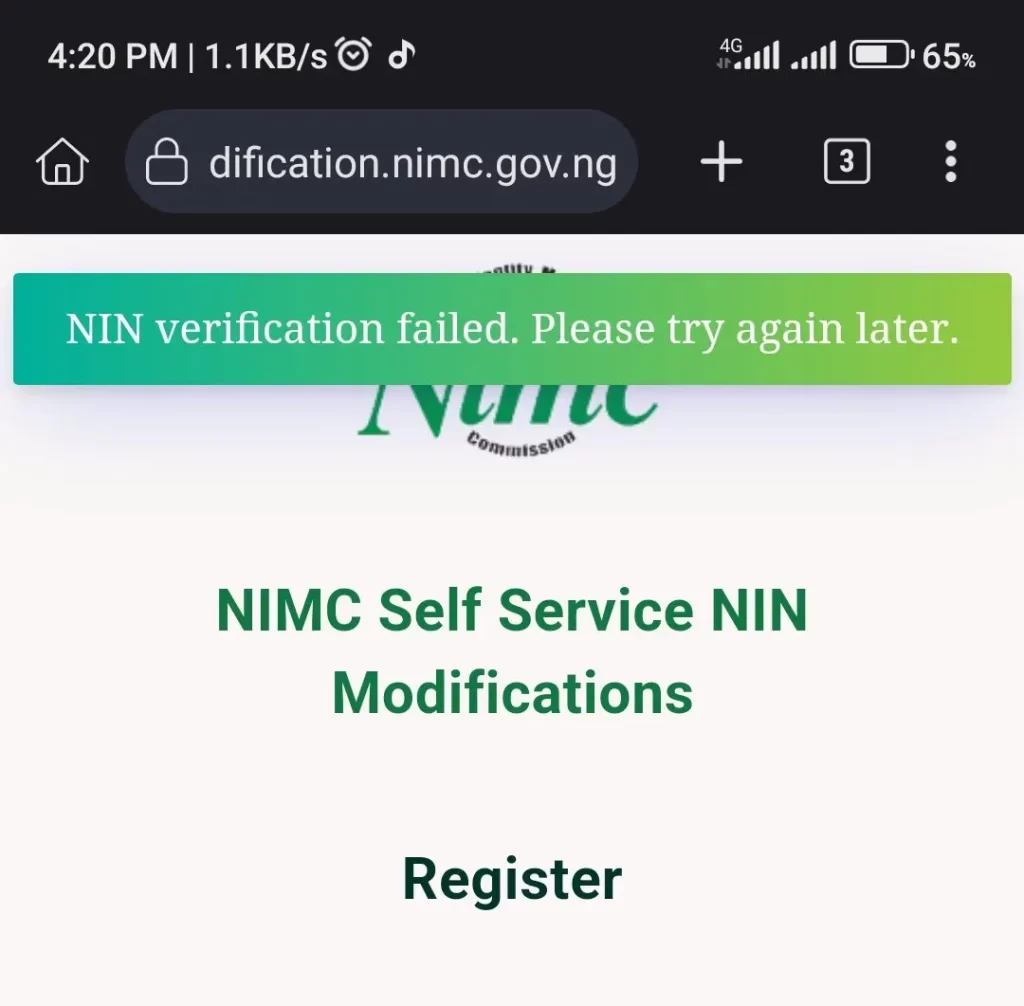
According to NIMC, to resolve NIN verification failure, all you need to do is refresh your browser or try again later as this might be due to a network error.